Test: Media Rendering
December 31, 9999By Alex Rezvov
This is a test post for checking how different types of media render on the website and in emails. This post is hidden from the main feed (future date).
YouTube Video Link
Project demo video: https://youtu.be/hV8Bj291A60
Direct YouTube link: https://www.youtube.com/watch?v=dQw4w9WgXcQ
Google Services
Google Sheets
Google Drive Folder
Google Forms
Google Docs
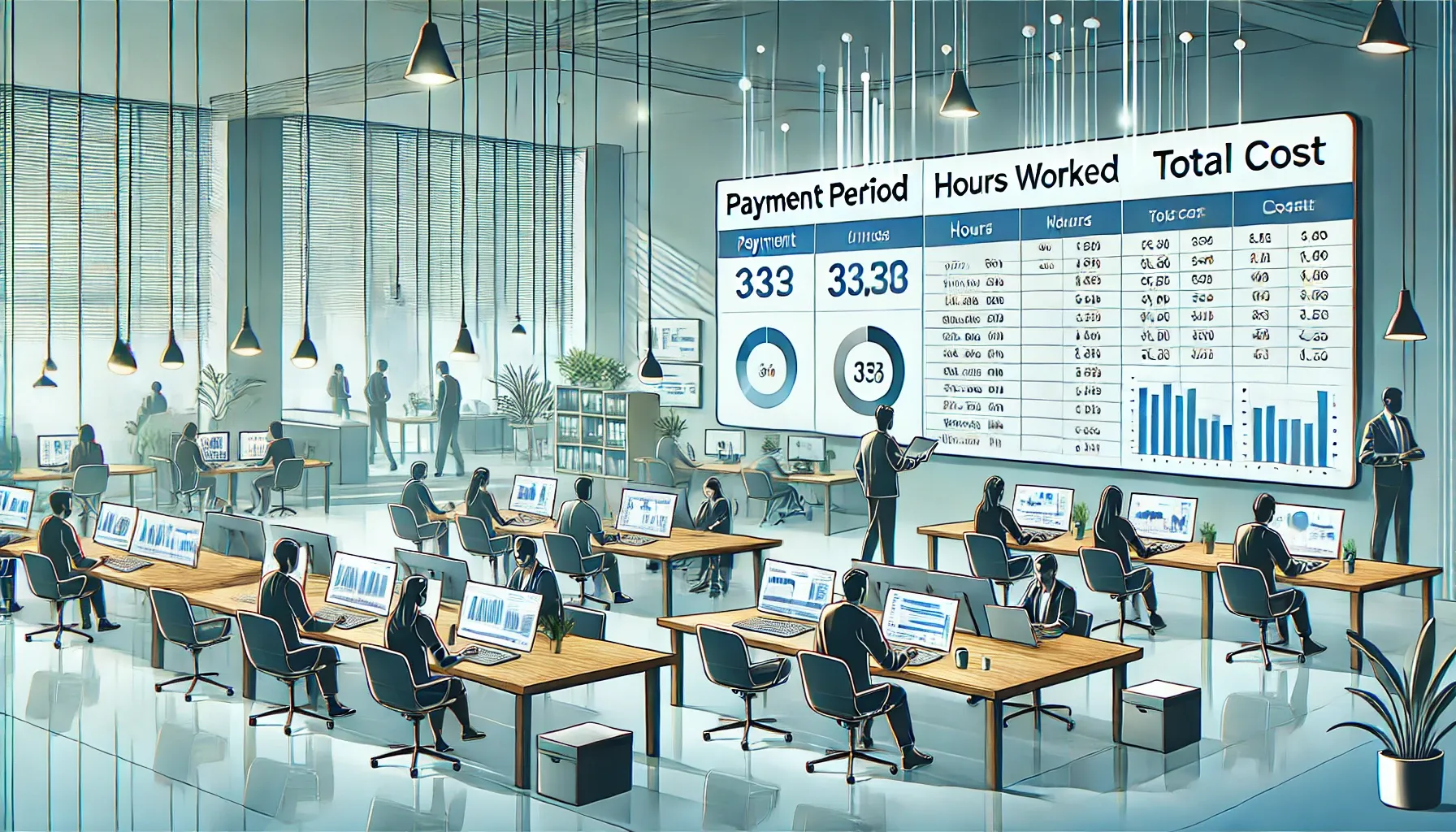
Images
Code Blocks
JavaScript
function calculateTotal(items) {
  return items.reduce((sum, item) => {
    return sum + item.price * item.quantity;
  }, 0);
}

const result = calculateTotal([
  { name: 'Item 1', price: 100, quantity: 2 },
  { name: 'Item 2', price: 50, quantity: 3 }
]);
Python
def factorial(n):
    if n <= 1:
        return 1
    return n * factorial(n - 1)

print(factorial(5))  # Output: 120
Bash
#!/bin/bash
for file in *.md; do
  echo "Processing $file"
  pandoc "$file" -o "${file%.md}.pdf"
done
Inline Code
Use the npm install command to install dependencies. The package.json file must be present in your project root.
Blockquotes
This is an important note that should be highlighted. It can span multiple lines.
Another blockquote with different content.
Lists
Unordered List
- First item
- Second item with bold text
- Third item with italic text
- Fourth item with
inline code - Fifth item with link
Ordered List
- Initialize the project
- Install dependencies
- Configure environment variables
- Run the development server
- Deploy to production
Table
| Name | Role | Hours | Rate |
|---|---|---|---|
| Alice Developer | Developer | 40 | $100/hr |
| Bob Designer | Designer | 30 | $80/hr |
| Charlie Tester | QA | 20 | $60/hr |
Mixed Content
Here's a paragraph with inline code, bold text, italic text, and a regular link.
// Code block after mixed content
const example = 'test';
And a YouTube link after code: https://youtu.be/hV8Bj291A60
Test completed! This post demonstrates all major content types.